Want to revisit important videos on a regular basis? The Relock feature is designed just for that.
With Relock, you can schedule a received video to reappear in your inbox at your chosen frequency—helping you stay reminded, motivated, or simply entertained.
How to Use:
Go to the Received Videos page.
Click the three vertical dots in the bottom-right corner of the video.
Select the “Relock” option.
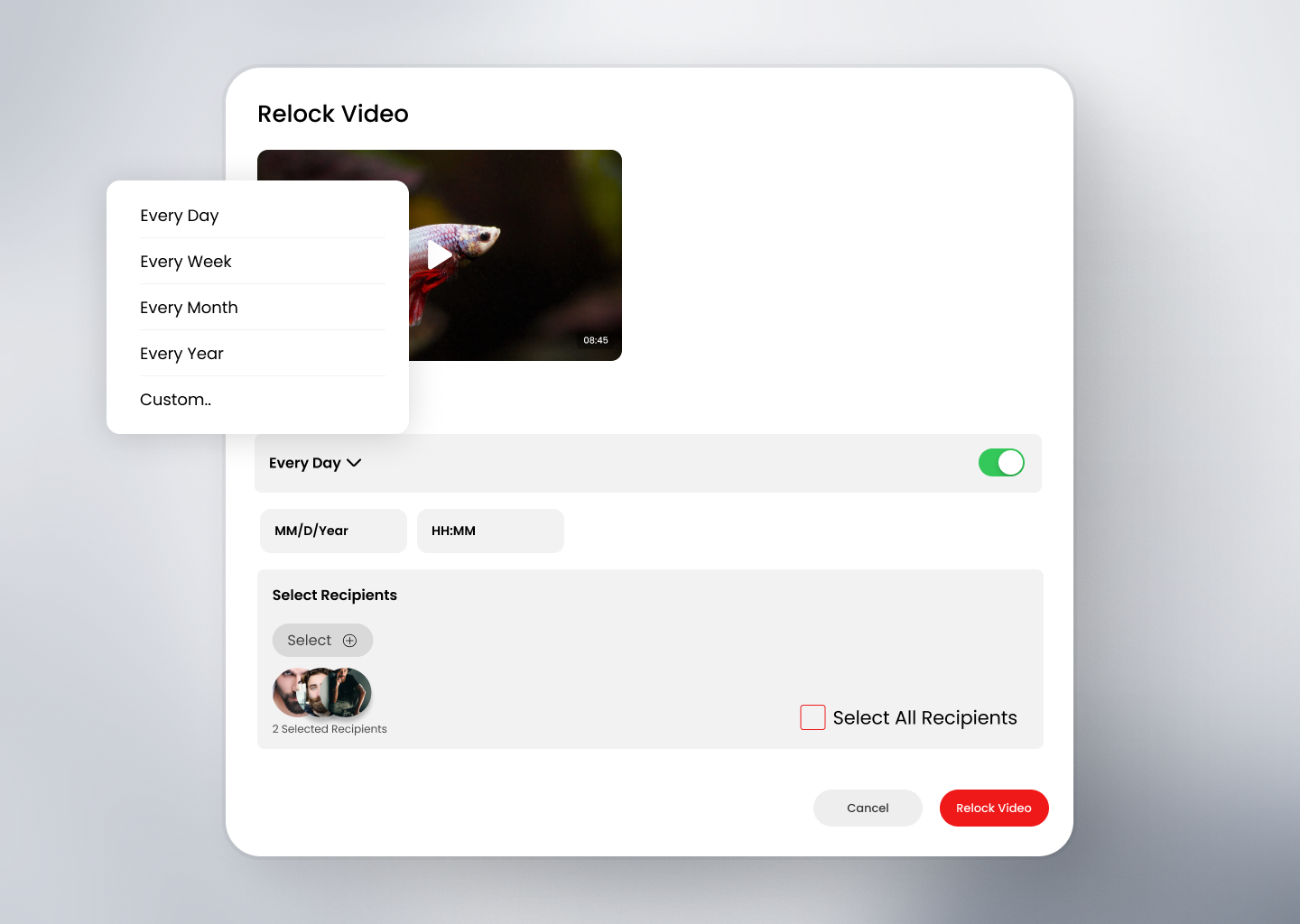
In the popup:
Choose how often you want to receive the video (Daily, Weekly, etc.).
Select the start date and time. (By default, it's set to "Daily" and the current date/time.)
Once scheduled, the video will be automatically re-sent to you starting from the selected date and time.
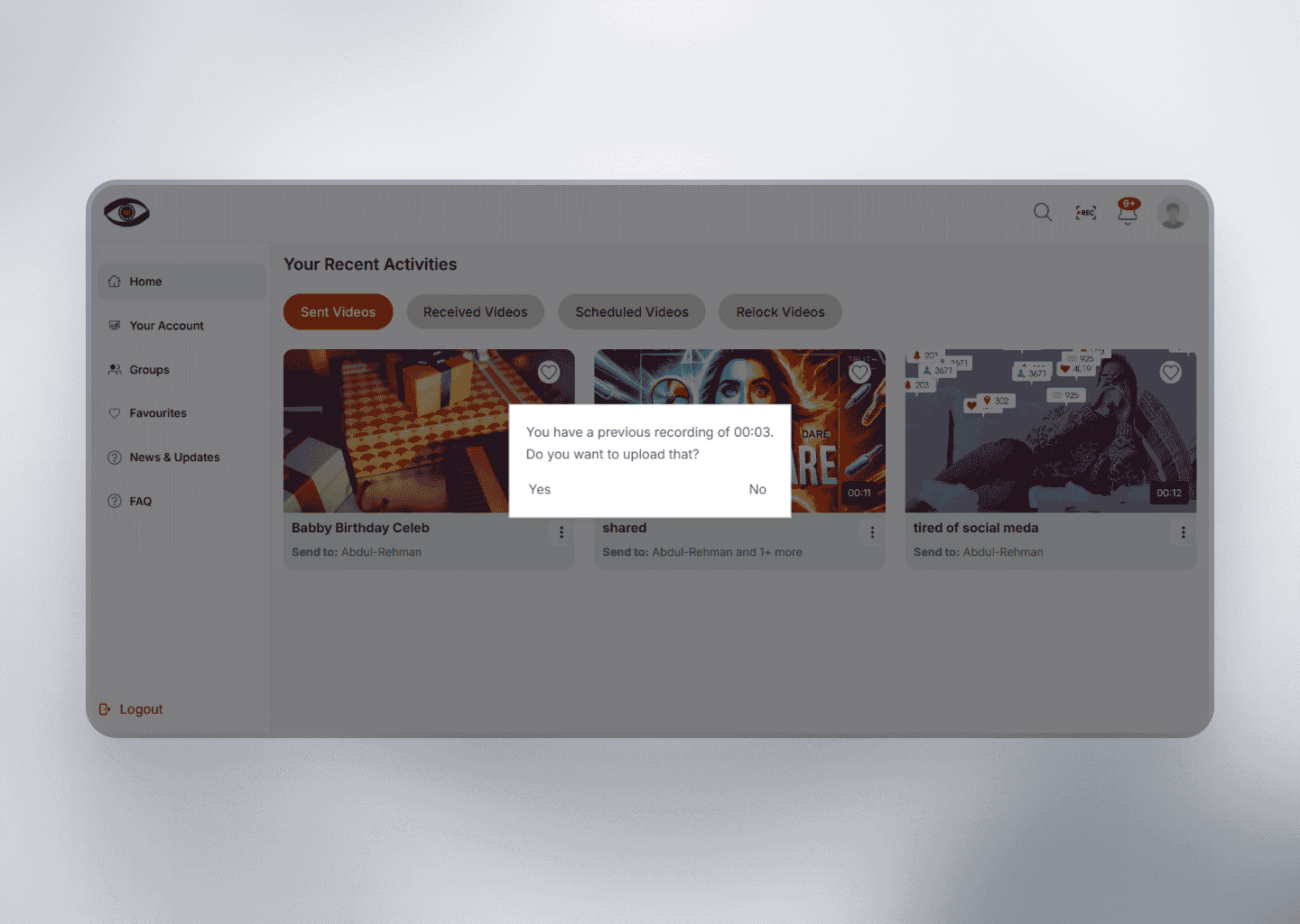
You can view and manage all your scheduled relock videos in the Relock tab.
This feature is perfect for reminders, routines, or content you want to revisit regularly.