Make it easier to revisit the videos you love! On iLoveView, users can add received videos to their Favorites with a single click:
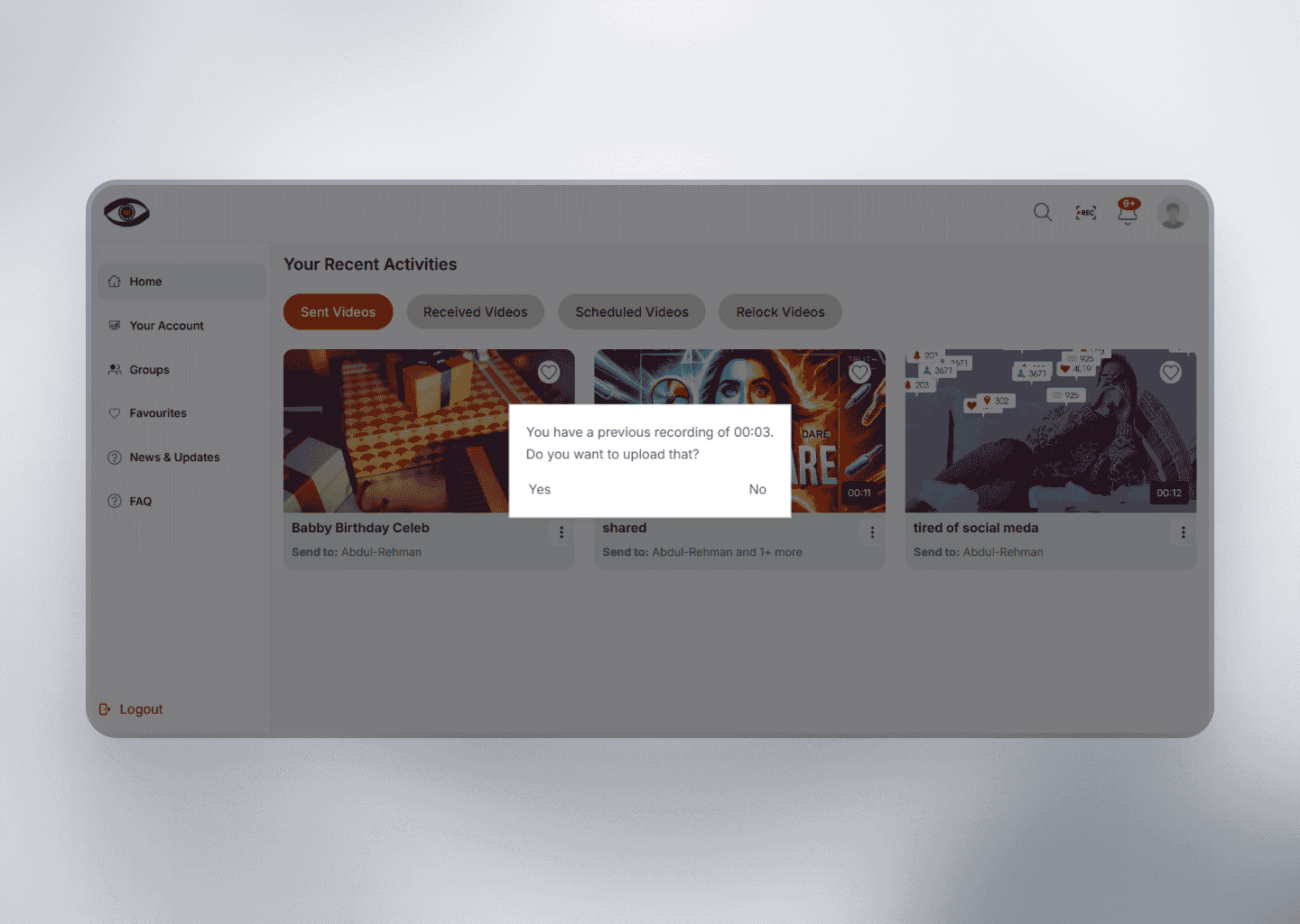
Simply click the heart icon located at the top-right corner of any received video to add it to your Favorites list.
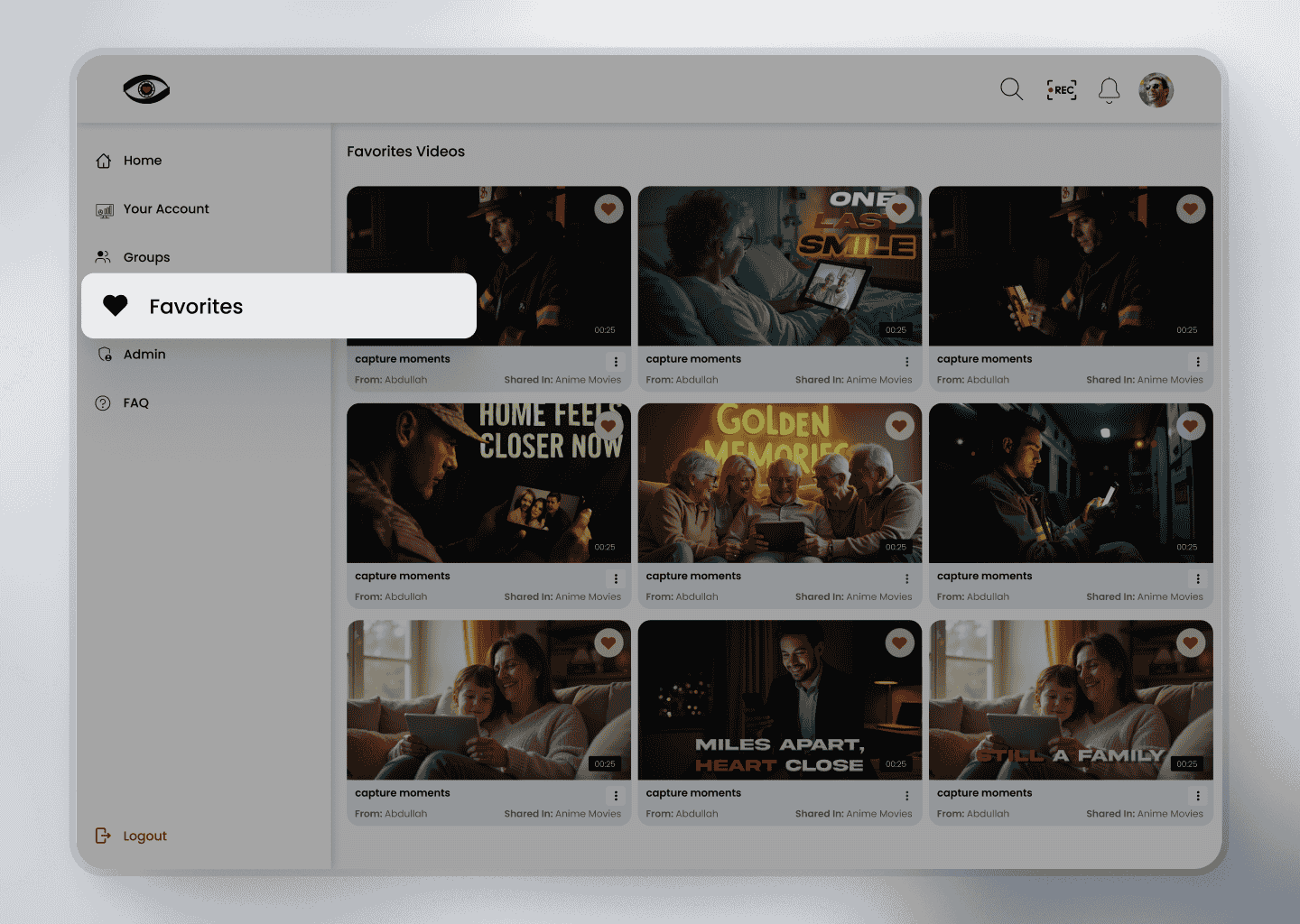
All your favorited videos are conveniently stored and accessible on the Favorites page, allowing quick access anytime you want to rewatch or reference them.
This feature helps users curate a personal library of important, inspiring, or memorable content with ease.